Bridging Google's Multimodal AI with Declarative Data Infrastructure#
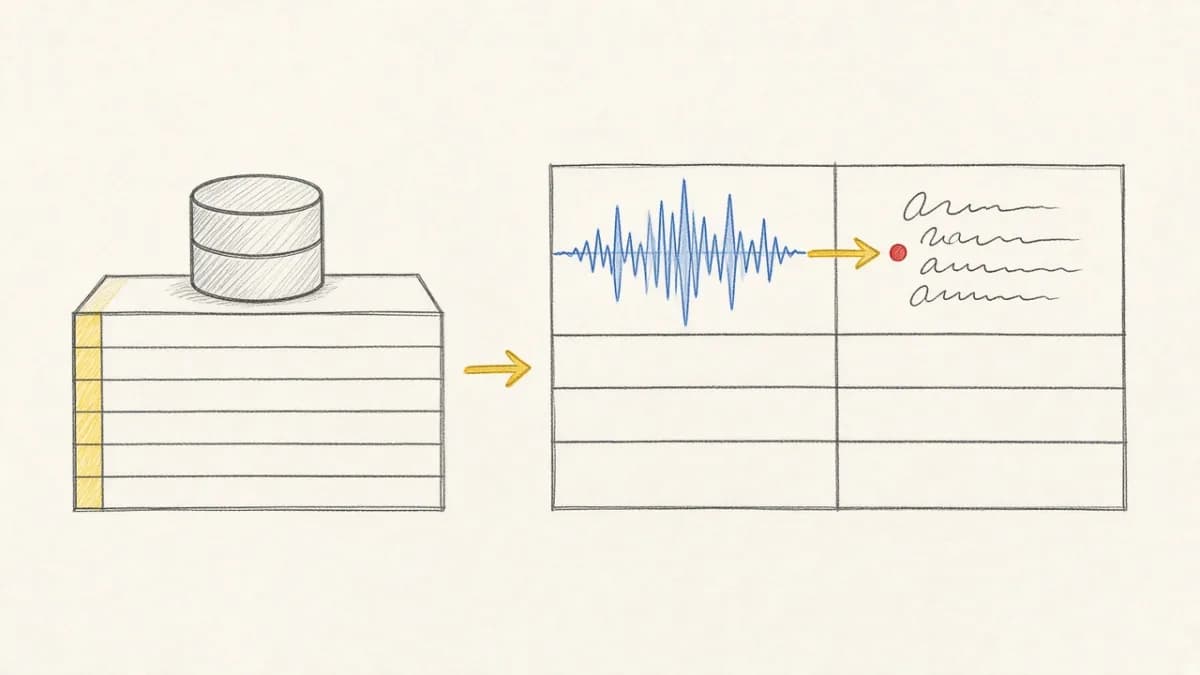
Exciting news for AI developers! Pixeltable now seamlessly integrates with Google's Gemini family of models, bringing cutting-edge multimodal AI capabilities to your data workflows. This integration combines Pixeltable's declarative data infrastructure with Google's most advanced AI models, enabling you to build sophisticated AI applications with just a few lines of code.
Gone are the days of juggling multiple APIs and managing complex orchestration logic. With Pixeltable's Gemini integration, you can generate text with Gemini 2.5 Flash, create stunning images with Imagen, and produce videos with Veo – all within a single, coherent framework!
Note: Google discontinued Gemini 2.0 models in 2026. Use gemini-2.5-flash (or newer) in computed columns; update any legacy gemini-2.0-flash references and re-run affected rows.
Why This Integration Matters#
🎯 Unified Multimodal Workflow#
Google's Gemini suite offers incredibly powerful generative models like Imagen for images and Veo for video. But using them in a real application exposes a common challenge: how do you move beyond one-off API calls and build a persistent, scalable system?
Developers are often left to write brittle glue code to handle orchestration, caching, and storing results. This is where a declarative data layer becomes critical.
With Pixeltable's Gemini integration, you can define a complete, end-to-end multimodal workflow as a series of data transformations. Instead of scripting the how, you define the what.
💡 Real Power Through Simplicity#
Here's how easy it is to generate content with Gemini in Pixeltable:
Key Benefits#
1. Declarative Power ✨#
Define what you want, not how to get it. Pixeltable's computed columns automatically handle the underlying complexity:
- API calls and rate limiting
- Result caching and versioning
- Error handling and retries
- Incremental updates
2. Production-Ready Persistence 💾#
Unlike typical notebook experiments, your Gemini outputs are:
- Permanently stored in Pixeltable's versioned tables
- Instantly queryable with SQL-like operations
- Automatically cached to minimize API costs
- Ready for downstream processing
3. Multimodal Pipelines Made Easy 🔄#
Build complex workflows effortlessly with a powerful prompt-to-image-to-video pipeline:
Pixeltable automatically understands the dependency between image generation and video creation, orchestrating the entire pipeline seamlessly.
4. Cost-Efficient at Scale 💰#
- Intelligent caching prevents redundant API calls
- Incremental processing only computes what's new
- Batch operations optimize throughput
- Track usage across your entire pipeline
Complete Multimodal Example: From Text to Video#
Here's a comprehensive example showing all three generation capabilities working together:
Real-World Use Cases#
🎨 Content Generation Pipeline#
Create a complete content creation system:
- Generate blog post ideas with Gemini
- Create accompanying images with Imagen
- Produce promotional videos with Veo
- All stored, versioned, and queryable!
📊 Multimodal Data Analysis#
- Analyze datasets and generate visual summaries
- Create explanatory videos for complex data
- Build interactive reports with AI-generated insights
🤖 AI-Powered Applications#
- Chatbots with image and video generation capabilities
- Educational platforms with dynamic content creation
- Marketing tools with automated creative generation
This Declarative Approach Provides#
- Automatic Orchestration: No need to write complex control flow
- Persistence & Versioning: All generated assets are stored and versioned by default
- Built-in Caching: Expensive generation calls are never re-run on the same inputs
- Incremental Updates: Only new or changed data triggers regeneration
- Error Resilience: Automatic retries and error handling
Getting Started#
Setting up Pixeltable with Gemini is straightforward:
Prerequisites#
- A Google AI Studio account with an API key (Get yours here)
- Python 3.8+ environment
Installation#
Setup#
Important Notes#
- Google AI Studio usage may incur costs based on your plan
- Be mindful of sensitive data and consider security measures when integrating with external services
- Follow best practices for production deployment
Advanced Techniques#
For more sophisticated use cases, consider exploring:
- RAG operations with multimodal data
- Building stateful AI agents with Gemini integration
- Workflow automation patterns
Why Pixeltable + Gemini?#
This integration represents more than just another API wrapper. It's about bringing enterprise-grade data management to cutting-edge AI:
- Version Control: Track every generation and its parameters
- Reproducibility: Recreate any result with stored configurations
- Scalability: Handle millions of generations efficiently
- Integration: Connect with 20+ other AI services in Pixeltable
Join the Multimodal Revolution#
The future of AI is multimodal, and with Pixeltable's Gemini integration, that future is here today. Whether you're building the next viral AI app or revolutionizing enterprise workflows, this powerful combination gives you the tools to innovate faster and scale smarter.
Stop managing scripts and start building robust, data-driven AI systems with declarative multimodal workflows.
Resources & Next Steps#
- Try the Interactive Notebook
- Star us on GitHub
- Join our Discord Community
- Pixeltable Gemini API Documentation
What will you create with Gemini and Pixeltable? Share your projects with us! 🌟
Frequently Asked Questions About Gemini Integration#
How does Pixeltable handle my Gemini API key securely?
Pixeltable uses environment variables (like GEMINI_API_KEY) to access your credentials. This is a standard security practice that avoids hard-coding sensitive keys directly in your source code. For production environments, we recommend using a secure secret management system to inject these environment variables.
What happens if a Gemini API call fails?
Pixeltable's computation engine includes built-in resilience. If an API call fails due to a transient issue (like a network error or temporary service unavailability), Pixeltable can automatically retry the operation. For persistent errors (e.g., an invalid prompt), the error is logged and stored in a system table, allowing you to inspect and debug the specific row that caused the failure without halting your entire workflow.
How can I control the costs of using Gemini at scale?
Pixeltable's automatic caching is your primary tool for cost control. Once a result is computed for a given input (like a specific prompt), it's stored. If the same input appears again, Pixeltable serves the cached result instead of making another expensive API call. This is especially powerful when dealing with duplicate data or re-running analyses.
Can I use different models for different tasks in the same table?
Yes. You can create multiple computed columns in the same table, each configured to use a different Gemini model. For instance, one column could generate text summaries with gemini-2.5-flash while another generates images based on that summary using imagen-3.
How does Pixeltable compare to just using the Gemini Python SDK directly?
The Gemini SDK is excellent for making individual API calls. Pixeltable provides the essential infrastructure that sits on top of the SDK, turning simple calls into a scalable, persistent, and observable data processing system. With Pixeltable, you get automatic orchestration, persistence, versioning, caching, and incremental updates: features you would otherwise need to build and maintain yourself.