The Multimodal Storage Challenge#
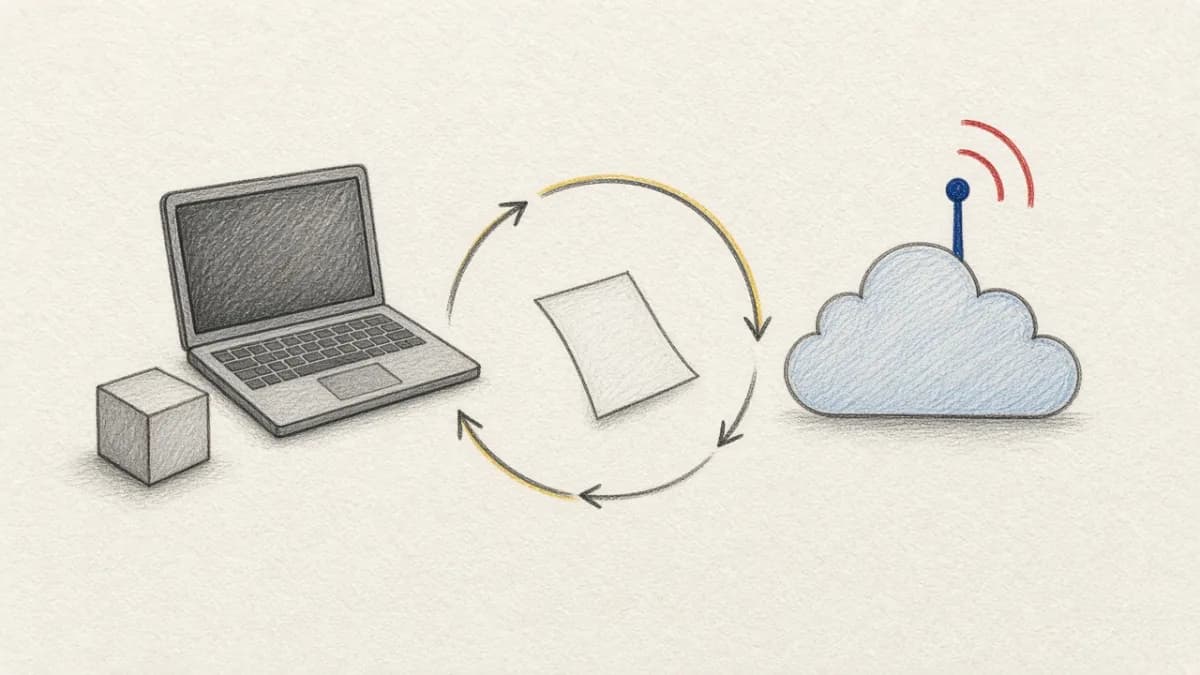
When you're building AI applications that process video, images, audio, and documents, one of the biggest challenges is how to store and manage this diverse data efficiently. Traditional databases excel at structured data but struggle with large media files. Simple file storage works for basic scenarios but lacks the indexing, versioning, and relationship management that sophisticated AI applications require.
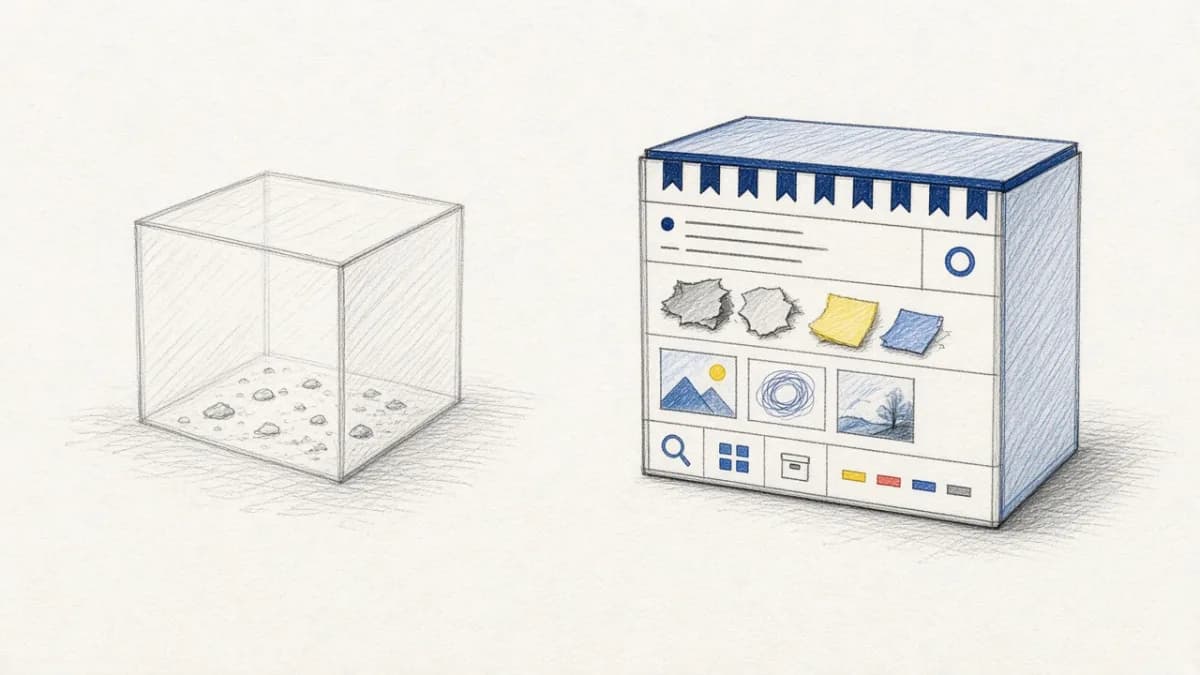
This is where Pixeltable's storage architecture shines. Instead of forcing you to choose between database efficiency and media file flexibility, Pixeltable uses a sophisticated four-layer storage system that provides the best of both worlds: database-level consistency and performance for metadata, with intelligent media file management optimized for AI workloads.
The Four-Layer Storage Architecture#
Pixeltable's storage system consists of four complementary layers, each optimized for different types of data and usage patterns:
| Storage Layer | What It Stores | Persistence | Location |
|---|---|---|---|
| Embedded Postgres | Metadata, non-media data, file paths/URLs | Persistent | Local FS |
| Media Store | Generated media files | Persistent | Local FS or cloud |
| File Cache | Downloaded media files | LRU cache | Local FS only |
| Temp Store | Temporary generated media | Temporary | Local FS only |
Each layer serves a specific purpose and is optimized for its role in the overall system. Let's explore how they work together to create a seamless experience for multimodal AI development.
Layer 1: Embedded Postgres - The Metadata Backbone#
At the foundation of Pixeltable's storage system lies an embedded PostgreSQL database that serves as the backbone for all metadata and structured data management:
What Embedded Postgres Stores#
- Table Metadata: Schema definitions, table names, column specifications, and relationship information
- Version History: Complete lineage tracking for data versioning and time travel capabilities
- Structured Data: Traditional data types like strings, numbers, JSON objects, and arrays
- Media References: File paths and URLs that point to actual media files stored elsewhere
Key Design Principles#
The choice to use embedded Postgres provides several crucial advantages:
- ACID Guarantees: Full transactional consistency for metadata operations
- SQL Power: Leverage PostgreSQL's advanced query optimization and indexing
- Scalability: Handle complex queries efficiently across large datasets
- No Media Storage: Media files are never stored directly in Postgres, avoiding performance issues
Layer 2: Media Store - Persistent Generated Content#
The Media Store handles all media files that Pixeltable generates during processing. This includes AI-generated content, transformed media, and computed results that need persistent storage:
What Gets Stored in Media Store#
- AI-Generated Media: Images created by DALL-E, videos generated by AI models
- Transformed Content: Resized images, format-converted videos, extracted audio tracks
- Computed Results: Output from custom UDFs that produce media files
- Processed Derivatives: Annotated images, captioned videos, enhanced audio
Flexible Storage Options#
The Media Store can be configured for different deployment scenarios:
- Local Development: Directory on local filesystem (default:
~/.pixeltable/media) - Production Deployment: Cloud storage buckets (S3, GCS, Azure Blob)
- Hybrid Setups: Different columns can use different storage backends
- Multi-Location: Multiple directories or buckets for different data types
Layer 3: File Cache - Smart Download Management#
The File Cache is Pixeltable's intelligent system for managing downloaded media files. When you reference external URLs in your tables, Pixeltable doesn't download them every time. Instead, it uses a sophisticated caching system:
File Cache Features#
- LRU Eviction: Least-recently-used files are automatically removed when cache fills up
- Configurable Size: Set maximum cache size based on available disk space
- Validation Integration: Downloaded files are validated to ensure integrity
- Performance Optimization: Eliminates redundant downloads for frequently accessed media
Configuring File Cache#
Layer 4: Temp Store - Ephemeral Processing Results#
The Temp Store handles temporary media files that are generated during query processing but don't need permanent storage. This is crucial for keeping storage costs manageable while supporting complex processing workflows:
When Temp Store Is Used#
- Query-Time Operations: Media transformations in
SELECTqueries without computed columns - Intermediate Processing: Temporary files created during multi-step AI operations
- Non-Stored Columns: Results from computed columns that aren't persisted
- Preview Operations: Quick analysis or transformations for exploration
Data Flow: How the Layers Work Together#
Understanding how data flows through Pixeltable's storage layers is key to appreciating the system's efficiency and flexibility. Let's trace three common scenarios:
Scenario 1: Inserting Local Files#
When you insert a local file into Pixeltable:
- File Path Storage: Original file path stored in embedded Postgres
- No File Movement: Original file remains in its current location
- Reference Creation: Postgres contains pointer to original file
- Zero Overhead: No copying, no additional storage usage
Scenario 2: Inserting Files from URLs#
When you insert a file from a URL:
- URL Storage: URL stored in embedded Postgres
- Smart Download: File downloaded to File Cache for validation
- Validation: File integrity checked during download
- Cache Management: LRU cache manages disk space automatically
Scenario 3: AI-Generated Media#
When AI generates new media content:
- AI Processing: Model generates new media content
- Media Store: Generated file saved to persistent Media Store
- Path Storage: Media Store path recorded in Postgres
- Integration: Generated media becomes part of data model
Performance Benefits of the Multi-Layer Approach#
Pixeltable's storage architecture delivers significant performance advantages over traditional approaches:
⚡ Efficient Metadata Queries#
Since metadata lives in Postgres, complex filtering and aggregation operations are extremely fast:
🔄 Lazy Media Loading#
Media files are only loaded when actually needed, not when tables are queried:
🧠 Intelligent Caching Strategy#
The File Cache eliminates redundant downloads while managing storage efficiently:
Compared to Traditional Approaches#
Pixeltable's storage architecture addresses common problems with traditional multimodal data storage approaches:
Traditional Problems#
| Traditional Approach | Problems | Pixeltable Solution |
|---|---|---|
| Files + Database | Manual synchronization, broken references, no versioning | Automatic synchronization with versioning |
| Object Storage Only | No metadata queries, poor relationship handling | Rich metadata in Postgres + object storage |
| Database BLOBs | Performance degradation, size limits, backup issues | Separate optimized media storage |
| Multiple Systems | Complex integration, consistency issues | Unified abstraction, automatic coordination |
Real-World Storage Scenarios#
Let's explore how Pixeltable's storage architecture handles common real-world scenarios:
Large-Scale Video Analysis Pipeline#
AI Content Generation Workflow#
Conclusion: Storage That Scales with Your AI Ambitions#
Pixeltable's four-layer storage architecture represents a thoughtful balance between performance, flexibility, and simplicity. By combining the ACID guarantees and query power of embedded Postgres with intelligent media file management, Pixeltable provides the storage foundation that multimodal AI applications need to scale.
Whether you're processing thousands of videos, generating AI content, or building complex RAG systems, understanding these storage layers helps you optimize your applications for performance, cost, and reliability. The beauty of this architecture is that it works automatically: you get sophisticated storage behavior with simple, declarative code.
As your AI applications grow and evolve, Pixeltable's storage architecture scales with you, from local development through production deployment, without requiring architectural changes or complex migrations. This is storage designed specifically for the AI era: intelligent, efficient, and invisible until you need to understand or optimize it.
Learn More About Pixeltable Storage#
- Your First Pixeltable Project - See storage in action with hands-on tutorial
- Pixeltable Core Concepts - Understand the fundamentals
- Building AI Data Infrastructure - Development architecture deep dive
- Pixeltable Versioning and Time Travel - How storage enables powerful versioning
- Installation and Configuration Guide
- Try Pixeltable on GitHub
- Join our Discord Community