Introduction: Breaking Free from Pipeline Limitations#
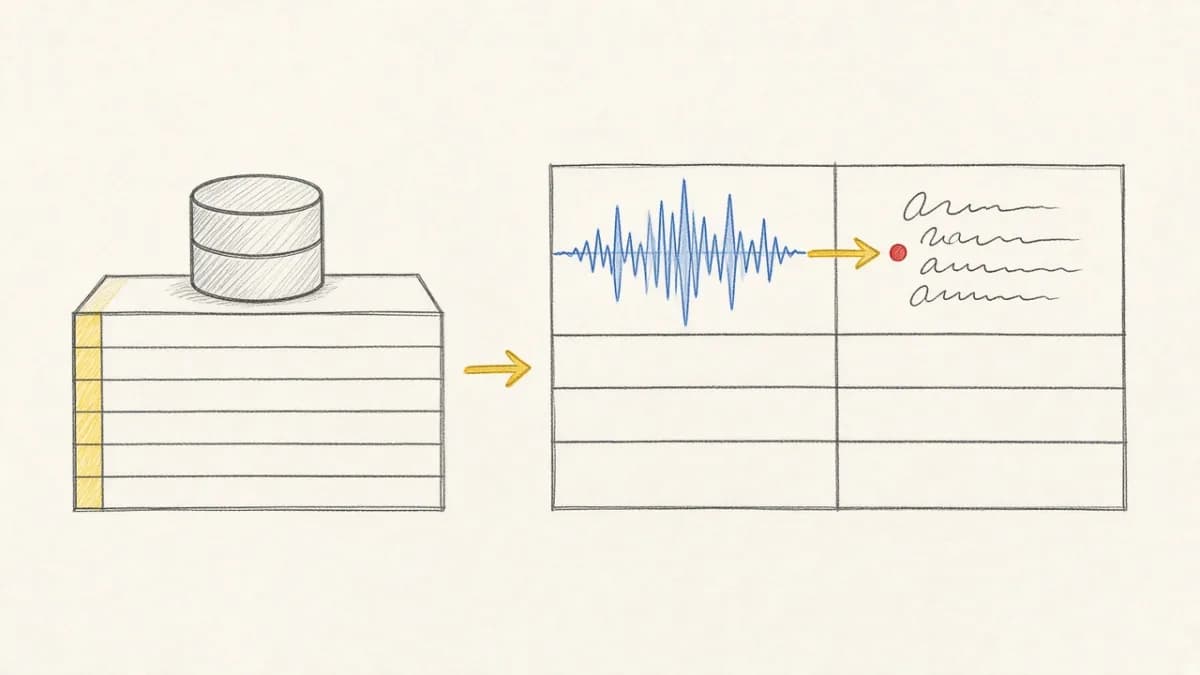
Modern AI and data workflows often require custom logic – specialized data cleaning, unique feature extraction, proprietary model inference, or integration with specific external services. While platforms offer built-in functions, they can't cover every niche requirement. This is where User-Defined Functions (UDFs) become essential, allowing you to inject your own code directly into the workflow.
If you're new to Pixeltable, start with our beginner's tutorial on building a smart image organizer to understand the basics before diving into custom functions.
However, integrating custom code into traditional data pipelines often involves significant overhead: writing boilerplate code, managing dependencies, handling serialization, ensuring error handling, and manually orchestrating execution. Pixeltable revolutionizes this with its seamless support for Python UDFs.
What are Python UDFs in Pixeltable?#
In Pixeltable, a Python UDF is simply a standard Python function decorated with @pxt.udf. This decorator signals to Pixeltable that the function should be integrated into its execution engine.
Once decorated, your Python function becomes a first-class citizen within Pixeltable. You can apply it to columns in tables or views just like any built-in function.
Your First Pixeltable Python UDF#
Let's create a simple UDF to classify text length:
It's that simple! No complex registration or pipeline definition needed. The @pxt.udf decorator handles the integration.
Key Benefits of Pixeltable UDFs#
- Seamless Integration: Use standard Python code and type hints. The
@pxt.udfdecorator makes your function usable directly in Pixeltable expressions. - Type Safety: Pixeltable leverages Python type hints (like
img: PIL.Image.Imageortext: str) to ensure data compatibility during execution. - Automatic Execution: Pixeltable manages the execution of your UDF as part of its data processing graph. It handles scheduling, batching (where applicable), and resource management.
- Incremental Computation: UDFs participate fully in Pixeltable's incremental computation engine. If input data changes, the UDF is only re-run for the affected rows, saving significant compute time.
- Lineage Tracking: The results generated by your UDFs are automatically tracked, maintaining clear data lineage from source data through your custom logic.
- Dependency Management: Pixeltable helps manage Python dependencies for your UDFs, ensuring they run consistently across environments (refer to docs for details on specifying requirements).
Advanced Usage: Complex Types & External Libraries#
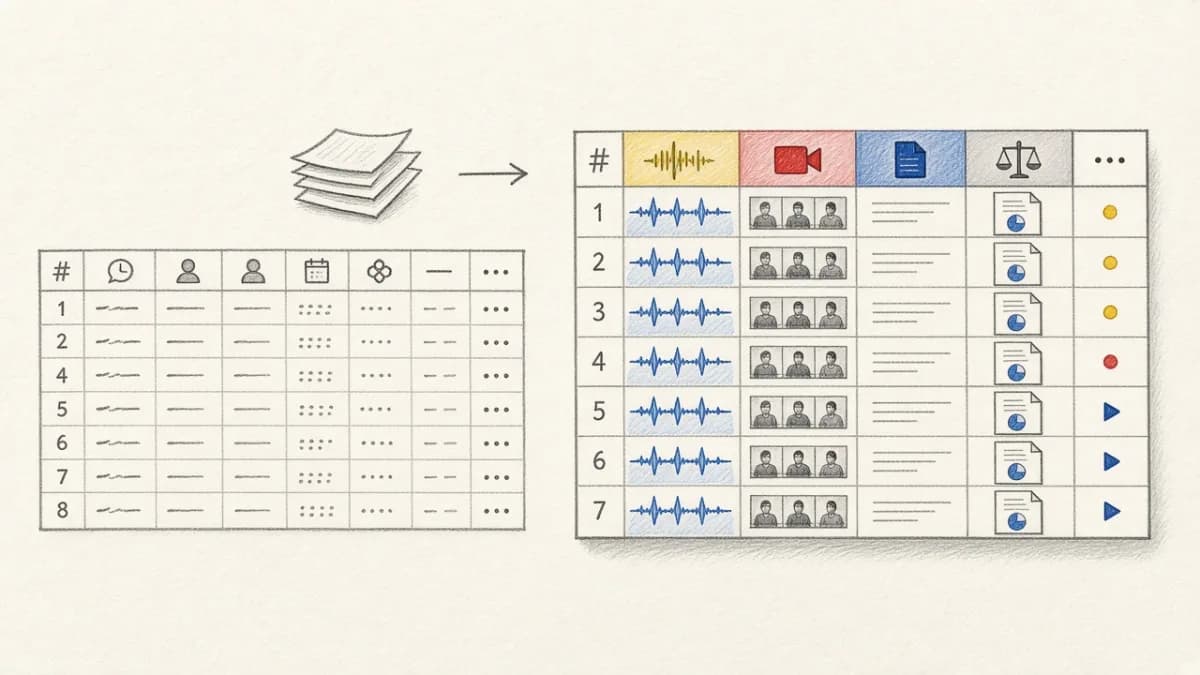
Pixeltable UDFs aren't limited to simple types. They seamlessly handle complex data like images, video frames, audio clips, and documents.
Example: Image Processing UDF
The calculate_image_brightness example earlier demonstrated working with PIL Images. You can integrate any Python library (e.g., OpenCV, scikit-image, spaCy, Transformers) within your UDFs. An external decision model is the same pattern: wrap TypeSafe’s Jev SDK in @pxt.udf and assign it as a column on text you already produced — What Is Jev?.
Remember to ensure any required libraries are installed in the Python environment where Pixeltable runs.
Python UDFs in Pixeltable vs. Traditional Methods#
Compared to manually integrating Python scripts into pipelines:
- Pixeltable UDFs: Offer tight integration, automatic orchestration, incremental updates, lineage, and simplified dependency handling via the decorator.
- Manual Scripts: Require writing custom code for data loading/saving, error handling, scheduling, dependency management across steps, and lack automatic incremental updates or lineage tracking without significant extra effort.
Pixeltable lets you focus purely on your custom Python logic.
Getting Started with Python UDFs#
Ready to extend Pixeltable with your own Python functions?
- Read the Docs: User-Defined Functions (UDFs)
- See the Notebook Guide: UDFs in Pixeltable Notebook
- Experiment: Decorate your existing Python utility functions with
@pxt.udfand try applying them to your Pixeltable tables!
Conclusion: Customization Without Complexity#
Pixeltable's Python UDFs provide a powerful yet simple way to integrate custom logic into your AI and data workflows. By leveraging the @pxt.udf decorator, you gain the benefits of Pixeltable's declarative engine (incremental updates, lineage tracking, and automatic execution) without the traditional complexities of pipeline integration.
Want to add type safety and automatic validation to your UDFs? Check out our guide on Pixeltable + Pydantic integration for enterprise-grade data validation.
- Try Pixeltable on GitHub
- Check out the Getting Started Guide
- AI Transformations Belong in the Schema: why UDFs get the same consistency and incrementality guarantees as built-in AI calls
- Join our Discord Community