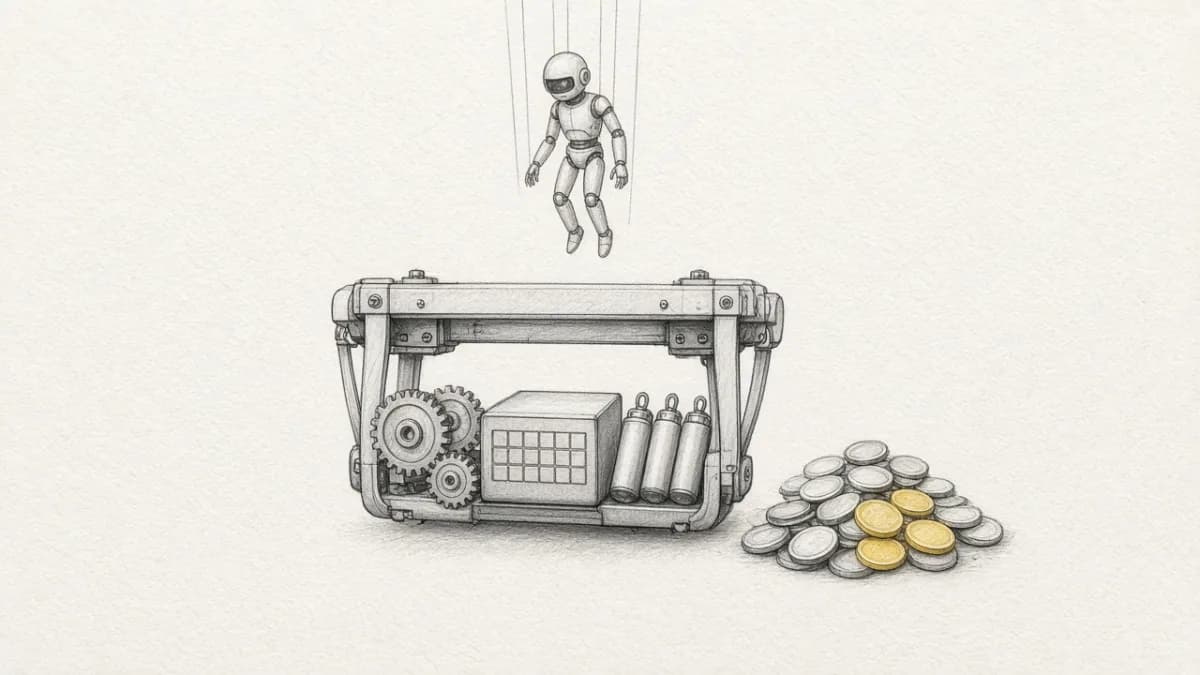
Summary: On an M-series Mac, FastAPI plus SQLite plus CLIP really does feel like Google Photos in an afternoon: upload, browse, semantic search, a crop that does not smash the original. Then you try to deploy it. AWS is six distributed systems before the first family photo is public. The stack people actually stand up next — Supabase Cloud — still makes you write Storage, pgvector, and a Python worker, because Edge Functions cannot run CLIP, PyAV, or Pillow. Pixeltable is the same class-based app.py locally and on Cloud. Declare Assets. Apply the file. Insert a row. pip install pixeltable.
The High#
The cheat code is unified memory. PyTorch loads openai/clip-vit-base-patch32 onto mps in a second. Saving a photo is img.save("uploads/pic.jpg"). Serving it is StaticFiles(directory="uploads"). A 2-minute clip goes through an OpenCV loop in the request and comes back HTTP 200. Embeddings sit as BLOBs in SQLite; numpy.dot over a few hundred vectors feels instant.
Cursor writes the 250 lines. You search “a dog on grass.” It works. You tell yourself you built Google Photos.
You built a process. Google Photos is storage, derived artifacts, model inference, and recompute when an input changes — in production, on other people’s machines, after the process dies. A CRUD app would not test any of that. This one does. That is why the hangover is sharp.
The Hangover#
The container has no disk that survives. The replica that loaded CLIP cannot be the replica that answers HTTP. Linear scan does not survive 500k photos and 2M frames. A vibe-coded pipeline’s week two — re-embed everything, zombie vectors, no rollback — is a different essay: why vibe-coded AI apps break in production. This one is the deploy. The joints have nicer logos. That is still the Frankenstein stack.
Local Vibe vs AWS vs Pixeltable#
| Local Mac | AWS shopping list | Pixeltable | |
|---|---|---|---|
| Media | uploads/pic.jpg | S3 + CloudFront + presign + CORS | pxt.Image / pxt.Video — types, not paths |
| Frames / thumbs | OpenCV in the request | Celery + Redis + FFmpeg workers | Computed poster; later a frame_iterator view |
| CLIP | One process, MPS | Dedicated GPU serving so the API pod stays thin | A column. Local weights or a hosted model — same declaration |
| Search | numpy.dot over SQLite BLOBs | RDS + pgvector, or Pinecone | EmbeddingIndex on the table; insert keeps it current |
| Failure | Re-run the script | DLQ, sagas, reconciler cron | Lineage: delete a row, derived rows and the index follow |
| Ops | ./run.sh, $0 | A four-figure month before the first upload (list-price shape, not a quote) | Same app.py; pxt schema update then pxt service update |
Video and Image as column types — not strings you babysit — is the abstraction a multimodal data table already named. The FILE-shaped blob is still not that: FILE vs media columns.
Six Traps#
1. os.path is not object storage#
Fargate and Cloud Run throw the disk away. You integrate S3. A 200MB 4K upload through FastAPI blocks, then 504s. The frontend must request presigned multipart URLs, PUT straight to the bucket, handle aborts, then you still owe CloudFront and signed URLs so one family cannot scrape another.
2. The request cannot be the pipeline#
Locally, 120 frames and 120 CLIP vectors return in the same call. In front of a gateway, that is a timeout. You split into Redis plus Celery (or Temporal), worker images with FFmpeg, and a GET /jobs/{id} the UI polls. The product is now a queue.
3. CLIP does not belong in every API replica#
Loading the model into each Uvicorn worker makes the image huge and autoscaling expensive. The AWS answer is a second fleet: Triton, SageMaker, a g5. You now batch requests so you are not paying for idle GPUs. The Mac never asked you to do this.
4. NumPy does not scale past the demo#
Hundreds of photos, sub-millisecond dots. Hundreds of thousands of photos plus frames: gigabytes in RAM and seconds per query. You migrate to Postgres + pgvector or stand up a vector database and tune HNSW while uploads lock reindex.
5. Partial failure is the default#
Object lands in S3. Row lands in RDS. Worker dies on frame 45. The index never updates. The row says “processing” forever. Cleanup scripts, sagas, dead-letter queues, a reconciler cron — that is how you keep three stores honest. In a catalog, delete is not a five-step distributed operation. That is the zombie vector problem; Pixeltable’s claim is the dependency graph, not a new cron.
6. ./run.sh was never the bill#
A plausible AWS cart, at published list-price shape, not a quote: managed Postgres with pgvector, Redis for the queue, Fargate for the API, a GPU box for CLIP and FFmpeg, S3 plus egress. It is easy to be in four figures a month before a real user uploads a photo — plus the Terraform you wrote to get there.
Then We Tried Supabase#
Nobody starts from six AWS products if they can avoid it. They open a Supabase project. Postgres, Storage, Auth, a dashboard. For a todo app that is the whole backend. For a Google Photos probe it is not.
The probe is the point. Upload image and video, browse, CLIP search (text and image), non-destructive edits as a stored recipe. That hits blob storage, derived thumbs and posters, model inference, and recompute when edits change. A CRUD table would not. One frontend, two backends, same logical contract — each side idiomatic. Pixeltable’s query envelope is {"rows": [...]}. Forcing it to imitate a hand-rolled JSON shape would hide the product.
Supabase Edge Functions cannot run CLIP, PyAV, or Pillow. So the “managed” path still forced a Python process we own:
schema.sql— assets, avector(512)HNSW index, a jobs table as a state machine, a trigger that enqueues a re-render wheneditschangesworker.py— poll withFOR UPDATE SKIP LOCKED, download from Storage, run CLIP and Pillow and PyAV, upload derived files, write the embedding, backoff, dead-lettermain.py— FastAPI for the contract; CLIP in-process on query so search uses the same model as ingeststorage.py— original and derived buckets, signed URLs
That explicit code is the comparison. Invalidation, ordering, retries, keeping the embedding consistent with the rendered image — Pixeltable declared it. On Supabase we wrote it. Kill the worker mid-batch and you own resume and orphans. We are not publishing p50s from a harness we have not run in this post. The architecture is the finding.
This is not Neon Functions. A fetch() next to Postgres is still an HTTP handler: Neon Functions vs computed columns. Supabase Storage plus a jobs table is still a pipeline you operate. Keep Supabase if Auth and OLTP already live there. Do not start the photo graph in a bucket and a worker.
The Same app.py#
pxt.Image and pxt.Video are types. A poster is an assignment. CLIP is an index on that column — one huggingface.clip embedder serves text→image and image→image. A crop is a recipe on edits; rendered follows; the index follows. Delete the asset and derived cells are not a cleanup job. Per-moment video search is a frame_iterator view you can add later; the first searchable surface is the poster. That three-line view is already the homepage walkthrough and Never Fuck With Your Backend Anymore. Here is the probe’s table:
coalesce_image and apply_edits are small UDFs (image-or-poster, then the recipe). Insert is multipart on FastAPIRouter; image and video columns in the response are media URLs with Range support — no custom handler so <video> can scrub. Then the same three verbs locally, and Cloud is the same file:
Not a connection-string swap. Not a rewrite into Storage triggers. Promotion is why the local-cloud loop matters.
What This Is Not#
It is not “don’t vibe-code.” Vibe-code the masonry grid, the dropzone, the crop overlay. Do not vibe-code S3, a GPU fleet, or a Supabase worker that must stay consistent with pgvector.
It is not a warehouse replacement. It is not “rip out Supabase Auth.” Auth and card TPV can stay where they are. The photo graph — bytes, posters, CLIP, edits — is a multimodal table.
It is not no-code. If you do not want a schema, Pixeltable is the wrong product. The point is that the schema is the backend.
People Also Ask#
Can I keep FastAPI? Yes. FastAPIRouter is FastAPI derived from the catalog. You declare insert, query, update, delete. You do not write the media handler.
Do I still need object storage? You can point media at a bucket you already have. You should not need a second system of record for thumbs, embeddings, and the original.
Is this the week-two post? No. That one is what happens after the demo when glue has no lineage. This one is the Mac process that cannot survive a container — and the Supabase worker you write when you try to avoid AWS.
Why not just pgvector on Supabase? pgvector is the index. It is not frame extraction, not CLIP on insert, not a recipe that re-embeds when you crop. Those are still worker.py.
How do I go to Cloud? Same app.py. PIXELTABLE_API_KEY, pxt://org:db, then pxt db update → pxt schema update → pxt service update. pxt service run is local only.
Keep the Afternoon#
The hour on the Mac was real. The six AWS systems are real. The Supabase worker is the same job with a friendlier dashboard. Declare the table. Apply it. Insert a row. Serve the same file. Keep the afternoon. Delete the distributed rewrite.
- Pixeltable on GitHub:
pip install pixeltable - Get started: CLI, Skill, and the one-file loop
- Why Vibe-Coded AI Apps Break in Production: week two of glue
- Why the Local-Cloud Loop Matters: promote the same file
- Never Fuck With Your Backend Anymore: class-based
TableModel - ClaimBot: one row with photo, memo, and PDF — not an image array
- Pixeltable documentation