Declarative Image Generation with Reve#
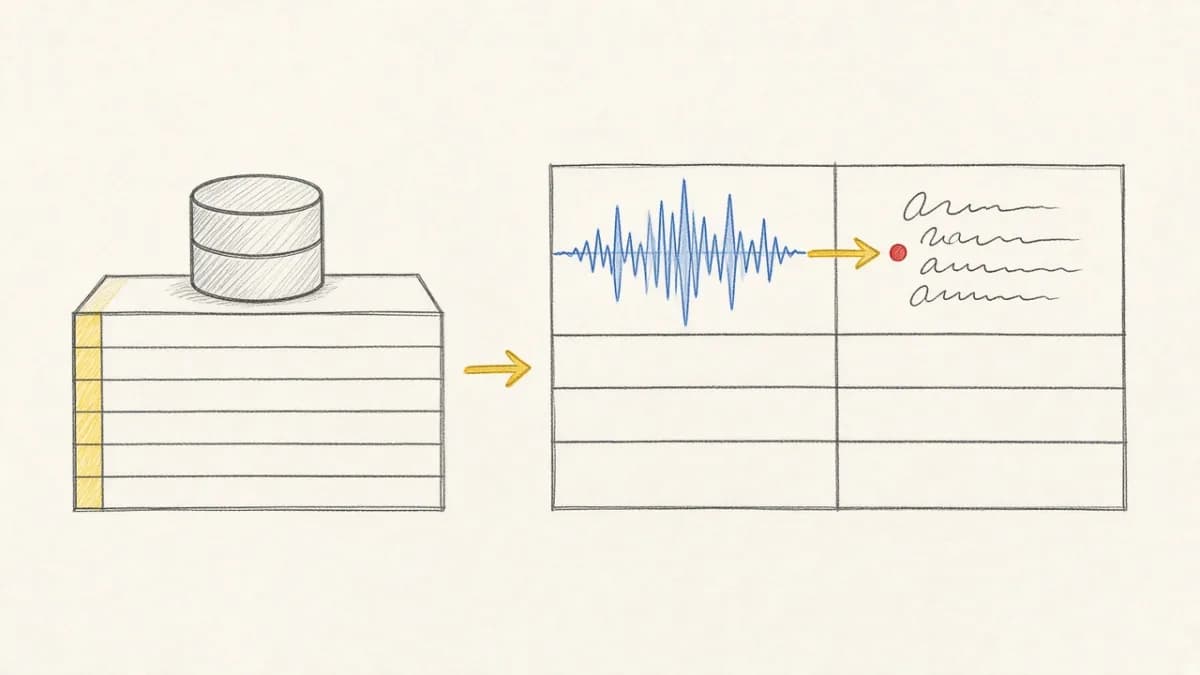
Reve is a powerful image generation API that lets you create images from text, edit existing images, and remix multiple images together. With Pixeltable's Reve integration, you can build complete visual pipelines where computed columns automatically handle image generation as data flows through your tables.
This guide walks through the three core Reve functions:
- reve.create() - Generate images from text prompts
- reve.edit() - Modify existing images with instructions
- reve.remix() - Combine multiple images into new compositions
Getting Started#
First, set up your Reve API key and create a Pixeltable directory:
Creating Images with reve.create()#
The reve.create() function generates images from text prompts. Let's build a table that automatically generates scene images:
When you insert a row with a prompt, Pixeltable automatically calls the Reve API and stores the generated image in the computed column.
Editing Images with reve.edit()#
The reve.edit() function modifies existing images based on instructions. This is perfect for removing backgrounds, changing styles, or transforming subjects:
Notice how the edit instructions are passed directly to reve.edit(). Pixeltable handles the API calls and caching automatically.
Remixing Images with reve.remix()#
The most powerful feature is reve.remix(), which combines multiple images into new compositions. You reference images in the prompt using <img>N</img> placeholders:
The images parameter is a list of image columns. In the prompt:
<img>0</img>refers toimages[0](edited_subject)<img>1</img>refers toimages[1](new_image)
Complete Pipeline: Scene Generation#
Here's a complete pipeline that creates a scene, edits a subject, and remixes them together:
Incremental Updates#
One of Pixeltable's key advantages is incremental computation. When you insert a new row, only that row's images are generated, while existing rows are untouched:
Aspect Ratio Options#
Reve supports various aspect ratios for different use cases:
Quick Reference#
| Function | Input | Purpose |
|---|---|---|
reve.create(prompt, aspect_ratio) | Text prompt | Generate new images from text |
reve.edit(image, instructions, aspect_ratio) | Image + instructions | Modify existing images |
reve.remix(prompt, images, aspect_ratio) | Prompt + multiple images | Combine images into new compositions |
Why Use Pixeltable for Image Generation?#
- Declarative pipelines - Define your workflow once, insert data, images generate automatically
- Incremental updates - Only new rows trigger API calls, saving costs
- Automatic storage - Generated images are stored and versioned
- Chained operations - Output of one column feeds into another seamlessly
- Built-in caching - Identical prompts don't trigger duplicate API calls
Conclusion#
Pixeltable's Reve integration makes it easy to build sophisticated image generation pipelines. By combining reve.create(), reve.edit(), and reve.remix() in computed columns, you can automate complex visual workflows, from generating backgrounds to editing subjects to creating final compositions.
The declarative approach means you focus on what you want to create, not how to orchestrate API calls, handle storage, or manage incremental updates.