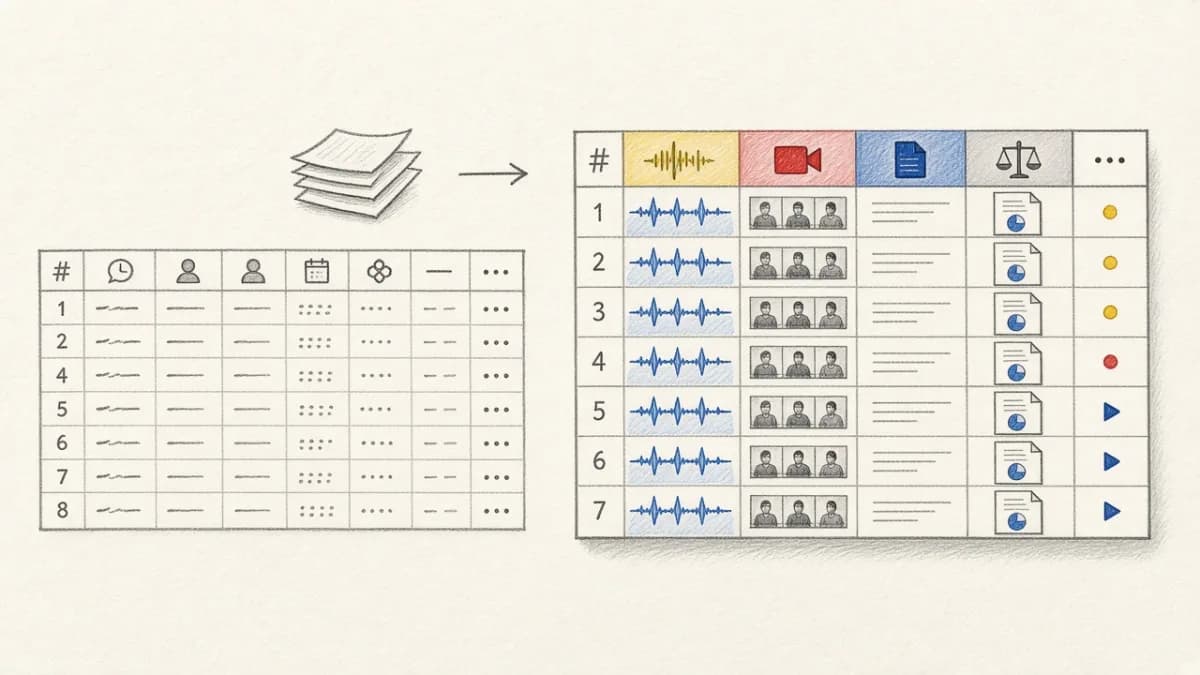
The Excel to PyTorch Challenge: Bridging Traditional Data and Modern ML#
Many AI/ML projects start with data in familiar formats: Excel spreadsheets, CSV files, or database exports. But getting this data into a format PyTorch can use for training often requires writing tedious boilerplate code, manual data validation, and custom preprocessing pipelines. This tutorial shows you the complete path from Excel sheets to production-ready PyTorch datasets.
We'll cover three approaches: traditional pandas/PyTorch, advanced Pixeltable workflows, and best practices for production training pipelines.
Traditional Approach: Pandas + PyTorch Manual Pipeline#
Let's start with the conventional method to understand the challenges:
Step 1: Import Excel Data with Pandas#
Step 2: Data Validation and Cleaning#
Step 3: Create PyTorch Dataset#
Advanced Preprocessing: Handling Complex Excel Data#
Working with Multiple Feature Columns#
Handling Categorical Variables#
The Pixeltable Approach: Declarative Data Import and Training#
Pixeltable transforms the Excel-to-PyTorch workflow from manual scripting to declarative data management:
Step 1: Import Excel to Pixeltable#
Step 2: Automatic Validation with Computed Columns#
Step 3: Preprocessing Pipeline in Pixeltable#
Step 4: Export to PyTorch Dataset#
Handling Complex Scenarios#
Multiple Excel Sheets#
Text and Image Multimodal Data#
Data Augmentation Strategies#
Defining Augmentation Rules in Excel#
Production-Ready Pipeline with Pixeltable#
For production training workflows, Pixeltable provides comprehensive data management:
Complete Excel → Pixeltable → PyTorch Workflow#
Handling Common Import Errors#
Missing Image Files#
Label Inconsistencies#
Creating Train/Validation Splits#
Stratified Split with Pixeltable#
Real-World Example: Product Classification#
Complete example of importing product data from Excel for classification model training:
Training Experiment Tracking with Full Lineage#
Connect training results back to the exact Excel data that created them:
Best Practices for Excel to PyTorch Conversion#
Data Quality Checklist#
- ✅ Validate file paths before import
- ✅ Check label consistency (no out-of-range values)
- ✅ Handle missing values explicitly
- ✅ Verify image accessibility and format compatibility
- ✅ Document data sources and collection methods
- ✅ Version your Excel files (or better: use Pixeltable snapshots)
Performance Optimization Tips#
- Use num_workers: Set DataLoader num_workers=4 for parallel loading
- Enable pin_memory: Use pin_memory=True for GPU training
- Prefetch batches: Use prefetch_factor to prepare batches ahead
- Cache preprocessed images: Let Pixeltable handle caching automatically
- Monitor memory: Watch for memory leaks in custom Dataset classes
Common Pitfalls and Solutions#
File Path Issues#
Character Encoding Issues#
Conclusion: From Spreadsheets to Production Training#
Converting Excel data to PyTorch training datasets doesn't have to be painful. Whether you use the traditional pandas approach for simple projects or Pixeltable's declarative infrastructure for production workflows, the key is having a systematic approach that handles validation, preprocessing, and versioning properly.
For teams building serious ML systems, Pixeltable provides critical advantages: automatic validation, built-in versioning, complete lineage tracking, and seamless integration with training frameworks. This transforms ad-hoc Excel imports into reproducible, auditable data pipelines that scale from prototype to production.
Learn More About ML Data Pipelines#
- Training Engineer Guide - Production training workflows
- ML Engineer Dataset Management - Managing complex datasets
- Pixeltable vs Pandas - When to use what
- Your First Pixeltable Project - Getting started tutorial
- Data Versioning Guide - Reproducible training
- PyTorch Data Loading Tutorial - Official PyTorch guide
- Pixeltable on GitHub - Complete examples
- Join our Discord - Get help with data import
Transform your spreadsheets into production-ready training data with proper validation, versioning, and lineage tracking. 🚀