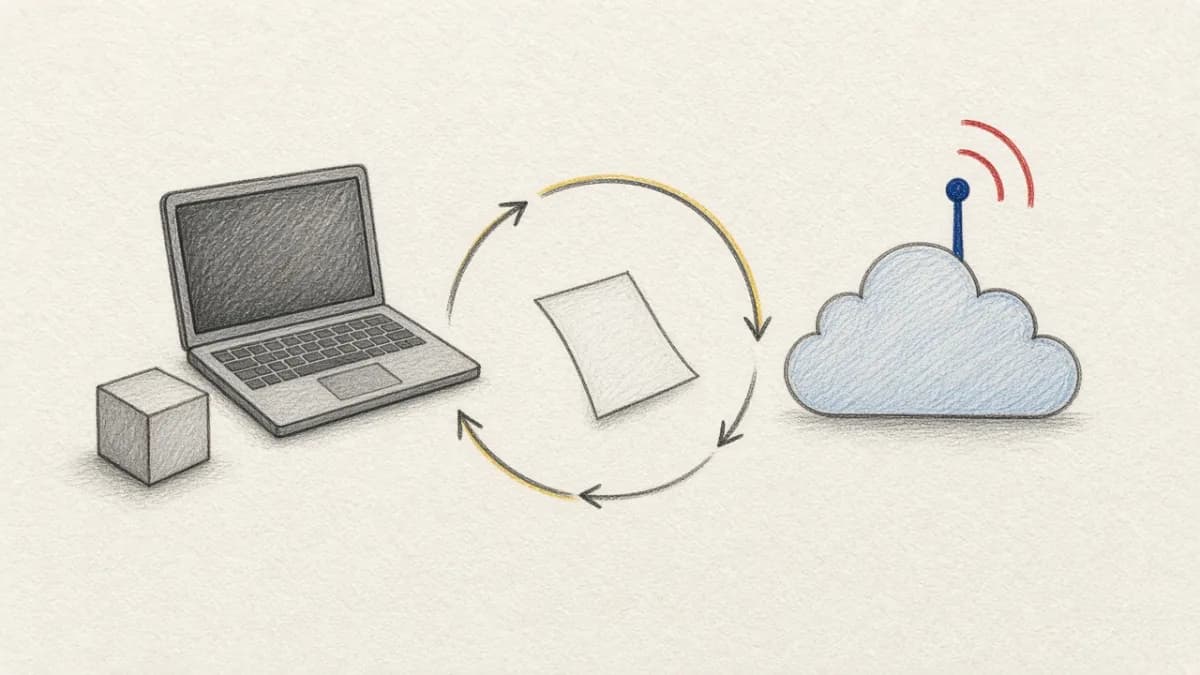
Orchestration Paradigms: DAGs vs Declarative Dependencies#
When building ML pipelines, teams often reach for Apache Airflow, the industry-standard workflow orchestration tool. But is a general-purpose DAG scheduler the right foundation for AI workloads that involve multimodal data, expensive AI models, and constantly evolving datasets?
This comparison explores the fundamental differences between Airflow's imperative DAG orchestration and Pixeltable's declarative dependency management, helping you choose the right approach for your AI infrastructure.
The Fundamental Paradigm Difference#
Airflow: Imperative Workflow Orchestration#
Airflow is a workflow orchestration platform where you explicitly define directed acyclic graphs (DAGs) of tasks:
- You define: What tasks to run and in what order
- You manage: Task dependencies, retries, failure handling
- You schedule: When workflows run (cron, intervals, triggers)
- Primary use: Batch data pipelines, ETL workflows
Pixeltable: Declarative AI Data Infrastructure#
Pixeltable is a declarative platform where you define data transformations as computed columns:
- You define: What data you want computed (the outcome)
- Pixeltable manages: Automatic dependency tracking, execution order, incremental updates
- Pixeltable schedules: Computation happens automatically when data changes
- Primary use: Multimodal AI workflows, RAG systems, real-time processing
Building a Video Analysis Pipeline: Side-by-Side#
Airflow Implementation: Manual DAG Definition#
Pixeltable Implementation: Declarative Dependencies#
Key Differentiators: Why the Paradigm Matters#
1. Incremental Processing vs Batch Reruns#
Airflow: Designed for batch processing. Add new data? Typically rerun the entire DAG or write complex logic to detect changes.
Pixeltable: Automatic incremental computation. Only new or changed data triggers processing.
"With Airflow, adding 100 videos meant rerunning our 6-hour DAG on all 10,000 videos. With Pixeltable, only the 100 new videos process. We went from daily batch jobs to real-time updates."
2. Manual DAGs vs Automatic Dependencies#
Airflow Problem: You must explicitly define every dependency between tasks. Miss one, and your pipeline produces incorrect results.
Pixeltable Solution: Dependencies discovered automatically from your data transformations.
3. Data Management: Airflow's Blind Spot#
Airflow orchestrates workflows but doesn't manage data. You need separate systems for storage, transformation, and serving:
Airflow Stack:
- Airflow (orchestration)
- S3/GCS (raw file storage)
- PostgreSQL (metadata)
- Pinecone/Milvus (vector search)
- Custom code (data transformation)
- MLflow (versioning)
Pixeltable Stack:
- Pixeltable (everything above in one platform)
Feature-by-Feature Comparison#
| Capability | Airflow | Pixeltable |
|---|---|---|
| Orchestration Model | Manual DAG definition | Automatic dependency tracking |
| Data Storage | ❌ External systems required | ✅ Built-in multimodal storage |
| Incremental Processing | ❌ Manual implementation | ✅ Automatic |
| Data Versioning | ❌ External tools needed | ✅ Built-in automatic versioning |
| Real-Time Processing | ⚠️ Possible but complex | ✅ Natural model |
| Vector Search | ❌ External vector DB needed | ✅ Built-in embedding indexes |
| Monitoring & UI | ✅ Excellent web UI | ⚠️ Programmatic (no web UI yet) |
| Setup Complexity | ⚠️ Complex (K8s, executors, DB) | ✅ Simple (pip install) |
When Airflow Is the Right Choice#
Airflow excels in specific scenarios where its general-purpose orchestration matters:
- Heterogeneous Workflows: Orchestrating diverse tools (Spark, dbt, Python, bash scripts)
- Complex Scheduling: Need sophisticated cron schedules, SLAs, time-based triggers
- Enterprise ETL: Traditional data warehouse pipelines
- Multi-System Coordination: Coordinating across many external systems
- Existing Investment: Team already skilled in Airflow
- Monitoring UI: Need rich web UI for non-technical stakeholders
When Pixeltable Is the Right Choice#
Pixeltable excels when AI-specific challenges dominate:
- Multimodal AI: Working with video, images, audio, documents
- Incremental Processing: Data changes frequently, need efficient updates
- Data-Centric: Data management is primary concern
- Rapid Iteration: Experimental workflows that change daily
- Real-Time Needs: Process data as it arrives, not on schedule
- Unified Infrastructure: Want to eliminate multi-system complexity
- Cost Optimization: Incremental processing saves compute costs
ML Pipeline Example: Airflow vs Pixeltable#
Scenario: Video Content Analysis for RAG#
Build a system that extracts frames from videos, analyzes them with AI, generates embeddings, and makes them searchable.
Airflow DAG Approach#
Pixeltable Declarative Approach#
Cost Analysis: Infrastructure & Operations#
Airflow Total Cost of Ownership#
- Airflow Infrastructure: $100-300/month (K8s cluster, database, workers)
- Vector Database: $70-200/month (Pinecone, Milvus managed)
- Document Storage: $20-50/month (S3 + PostgreSQL)
- Development Time: 2-4 weeks to build pipeline + ongoing maintenance
- Monthly Total: $190-550 + significant engineering overhead
Pixeltable Total Cost of Ownership#
- Software: $0 (open source)
- Infrastructure: $10-50/month (single VPS or cloud instance)
- All Capabilities Included: Data, orchestration, vector search, versioning
- Development Time: Hours to build + minimal maintenance
- Monthly Total: $10-50 (75-95% cost reduction)
Operational Complexity Comparison#
Airflow Operational Burden#
- ⚠️ Kubernetes cluster management (or managed Airflow service)
- ⚠️ DAG version control and testing
- ⚠️ XCom data size limitations and cleanup
- ⚠️ Worker scaling and resource allocation
- ⚠️ Managing dependencies between multiple systems
- ⚠️ Debugging failures across distributed tasks
- ⚠️ Handling task retries and idempotency
Pixeltable Operational Simplicity#
- ✅ Single process (or horizontal scale when needed)
- ✅ Tables define workflows (no separate DAG files)
- ✅ No XCom limitations (data native to tables)
- ✅ Automatic resource management
- ✅ Unified data + processing (no sync issues)
- ✅ Built-in retry and error handling
- ✅ Declarative idempotency
Real-World Use Cases#
Daily Batch ETL: Airflow's Sweet Spot#
Best for Airflow: Traditional data warehouse ETL, scheduled reports, multi-system integration
Real-Time AI Processing: Pixeltable's Domain#
Best for Pixeltable: Multimodal AI, RAG systems, real-time inference, evolving datasets
Migration Case Studies#
From Airflow to Pixeltable: ML Startup#
"We built our MVP with Airflow orchestrating frame extraction, AI analysis, and Pinecone updates. The complexity was killing us: 3 systems to manage, 6-hour DAG reruns for any change, constant debugging of XCom issues. We rebuilt in Pixeltable in one weekend. Now we process videos in real-time, incremental updates save 80% on compute, and our infrastructure code went from 500 lines to 50."
Hybrid Approach: Enterprise ML Platform#
"We use Airflow for our traditional data pipelines (dbt, Snowflake, reporting). But for our AI/ML workloads (video analysis, RAG systems, real-time inference), Pixeltable eliminated the complexity. We went from managing 20+ Airflow DAGs for ML to 5 clean Pixeltable tables. Both tools in our stack, each doing what they do best."
Developer Experience: Code vs Configuration#
Airflow Developer Experience#
- Learning Curve: Steep (DAG concepts, operators, executors)
- Development Cycle: Write DAG → Test → Deploy → Monitor
- Debugging: Check UI, logs, XCom, task instances
- Testing: Complex (requires Airflow environment)
- Iteration Speed: Slow (must redeploy DAGs)
Pixeltable Developer Experience#
- Learning Curve: Gentle (table/column concepts)
- Development Cycle: Define tables → Test → Deploy (same code)
- Debugging: Query tables, check lineage, inspect errors
- Testing: Simple (standard Python testing)
- Iteration Speed: Fast (immediate updates)
Hybrid Architecture: Using Both Together#
Many teams use Airflow for traditional ETL and Pixeltable for AI/ML:
Comprehensive Comparison Matrix#
| Criteria | Airflow | Pixeltable | Winner |
|---|---|---|---|
| Best For | Batch ETL, multi-tool orchestration | Multimodal AI, RAG, real-time ML | Context-dependent |
| Time to Production | 2-4 weeks (infrastructure + DAGs) | Hours to days | Pixeltable |
| Infrastructure Cost | $190-550/month | $10-50/month | Pixeltable |
| Maintenance Burden | High (K8s, workers, DAGs) | Low (self-contained) | Pixeltable |
| Real-Time Capability | Complex to implement | Natural model | Pixeltable |
| Monitoring UI | Excellent web UI | Programmatic queries | Airflow |
| Community Size | Very large, mature | Growing, active | Airflow |
Conclusion: Choose Based on Your Primary Workload#
Airflow and Pixeltable excel at different things:
Choose Airflow when you need general-purpose workflow orchestration across heterogeneous tools, sophisticated scheduling, and robust monitoring UI for non-AI workloads.
Choose Pixeltable when you're building AI applications that need unified multimodal data management, automatic incremental processing, real-time capabilities, and simplified infrastructure.
Many successful teams use both: Airflow for traditional data engineering (ETL, data warehouse pipelines) and Pixeltable for AI/ML workloads (RAG systems, multimodal processing, real-time inference). That split is the same category page as AI automation workflow: DAG of jobs versus columns on the table.
The trend is clear: as AI workloads become more sophisticated and data-centric, specialized AI infrastructure like Pixeltable is replacing general-purpose orchestration tools for ML-specific tasks. Save Airflow for what it does best (coordinating heterogeneous data pipelines) and let declarative AI infrastructure handle your ML workloads.
Explore Both Platforms#
- Try Pixeltable on GitHub - Experience declarative AI infrastructure
- Your First Pixeltable Project - Get started in 10 minutes
- Declarative vs Imperative Pipelines - Understand the paradigm shift
- Automatic Dependency Management - How Pixeltable tracks dependencies
- AI Transformations Belong in the Schema - Why computed columns replace orchestrators and DAGs
- Apache Airflow - Explore Airflow capabilities
- Join Pixeltable Discord - Discuss your orchestration needs
Choose orchestration that matches your workload. For AI, declarative beats DAGs. 🎯