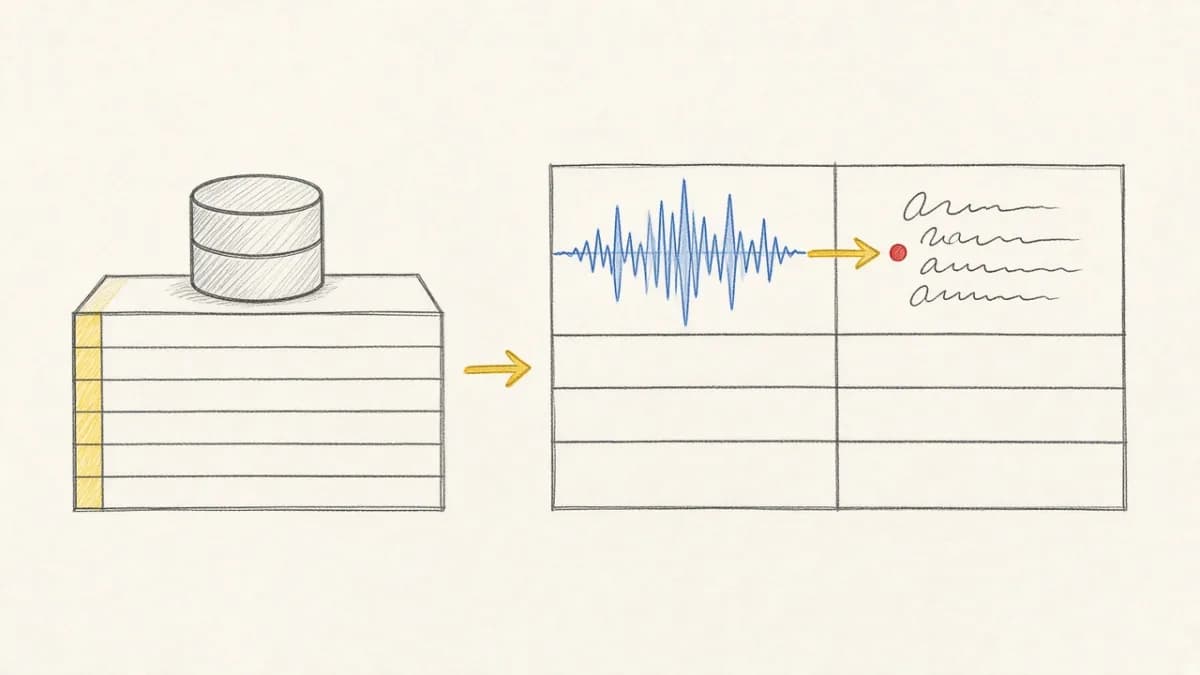
Pixeltable: Your AI Data Infrastructure with Flexible Export#
Pixeltable serves as your complete AI Data Infrastructure, unifying storage, retrieval, and orchestration for multimodal data in a single, declarative platform. While Pixeltable provides comprehensive AI workflow capabilities, we understand teams sometimes use specialized vector databases for specific analytical queries.
Our new export functionality showcases this flexibility: seamlessly export your AI-processed data to vector databases like LanceDB when you need their specialized query capabilities, while maintaining the full power of Pixeltable's AI infrastructure for your core workflows.
Pixeltable's Comprehensive AI Data Infrastructure#
Pixeltable provides everything you need for AI data workflows, with flexible export options when you need specialized analytics:
Pixeltable: Your Complete AI Data Infrastructure (OLTP)#
As an OLTP system designed for AI workloads, Pixeltable unifies storage, retrieval, and orchestration in a single platform:
- Unified Storage: Native support for multimodal data types (video, images, audio, documents) alongside traditional structured data
- Smart Retrieval: Built-in embedding indexes and similarity search without separate vector databases
- Automated Orchestration: Declarative computed columns eliminate complex pipeline code
- Real-Time Processing: Handle concurrent inserts, updates, and AI model inference with ACID guarantees
- Incremental Computation: Only recompute what's changed, reducing costs by up to 70%
- Complete Lineage: Automatic versioning and dependency tracking for full reproducibility
Flexible Export to Vector Databases#
While Pixeltable provides built-in vector search capabilities, some teams prefer specialized vector databases for specific query patterns. Our export functionality accommodates this preference:
- Vector Database Integration: Export embeddings and processed data to vector databases when needed
- Specialized Query Support: Leverage vector databases for their specific analytical query strengths
- Hybrid Architecture: Use Pixeltable for comprehensive AI workflows, vector databases for targeted queries
Complete AI Data Architecture: OLTP → OLAP Pipeline#
This represents a complete AI data architecture that separates operational processing from analytical workloads:
🔄 Operational Layer (Pixeltable OLTP)#
- Real-Time AI Processing: Handle streaming data with concurrent model inference and transformations
- Unified Multimodal Storage: Store and process video, audio, images, and documents in one system
- Automated Orchestration: Eliminate complex pipeline code with declarative workflows
- Incremental Updates: Process only what's changed, optimizing compute costs and latency
📊 Vector Database Layer (LanceDB)#
- Vector Search: Specialized similarity search and nearest-neighbor operations
- Columnar Storage: Efficient storage format for vector and analytical data
- Query Interface: Familiar pandas-style interface for data access
This OLTP→OLAP architecture gives you the best of both worlds: operational efficiency for AI workflows and analytical performance for insights and reporting.
Understanding the OLTP vs OLAP Distinction#
The fundamental differences between these paradigms explain why they complement each other so perfectly:
| Characteristic | Pixeltable (OLTP) | LanceDB (Vector DB) |
|---|---|---|
| Primary Purpose | AI Data Infrastructure & Workflow Automation | Vector Database & Similarity Search |
| Workload Type | Concurrent writes, real-time AI processing, multimodal workflows | Read-heavy vector similarity queries |
| Data Processing | AI model inference, multimodal transformations, orchestration | Vector similarity search, embeddings storage |
| Storage Approach | References external files, unified schema | Columnar ingestion, optimized for reads |
| Use Cases | End-to-end AI applications, multimodal workflows, real-time processing | Vector similarity queries, embedding storage |
This separation demonstrates Pixeltable's comprehensive capabilities alongside specialized vector database functionality, with seamless export enabling you to leverage both as needed.
Complete AI Infrastructure with Vector Database Export#
Here's how Pixeltable's comprehensive AI Data Infrastructure handles end-to-end workflows, with optional export to vector databases like LanceDB:
This architecture showcases Pixeltable's comprehensive AI infrastructure: handle all complex operational workflows (unified multimodal storage, real-time processing, automated orchestration, and intelligent transformations), then export to specialized vector databases when you need their specific query capabilities.
Technical Integration: API Reference#
Function Signature#
Parameters#
- table_or_df: A
pxt.Table(exported as a consistent snapshot) or apxt.DataFrame(any query with filters, projections, computed columns) - db_uri: Path to the LanceDB database directory (created automatically if needed)
- table_name: Destination LanceDB table name
- batch_size_bytes: Maximum Arrow
RecordBatchsize in bytes (default: ~128 MiB) - if_exists: Behavior when table exists:
error,overwrite, orappend
Public Entrypoint#
Access the function through Pixeltable's I/O module:
Installation and Setup#
If lancedb isn't installed when you call export_lancedb(), Pixeltable will raise a helpful requirement error with installation instructions.
Data Type Mapping#
Pixeltable automatically handles comprehensive type conversion between its rich multimodal types and Arrow/LanceDB formats:
- Primitives: Int/Float/Bool/String preserved exactly
- Temporal: Timestamp/Date preserved with proper Arrow types
- JSON: Exported as strings, reconstruct with
json.loads() - Arrays: Preserved as Arrow arrays, accessible as
numpy.ndarray - Images: Encoded as bytes, reconstruct with
PIL.Image.open(io.BytesIO())
Export Behavior Control#
The if_exists parameter controls what happens when the target table already exists:
error(default): Raises exception if table existsoverwrite: Replaces existing table completelyappend: Adds data to existing table
Performance and Reliability#
Pixeltable's export uses streaming Arrow batches for optimal performance:
- Memory Efficient: Streams data in batches without loading entire datasets
- Consistent Snapshots: Exports run under read transactions for data consistency
- Tunable Batching: Adjust
batch_size_bytesfor your environment (default: 128MB) - Robust Error Handling: Automatic cleanup on failure with detailed error messages
Production Best Practices#
Key considerations for reliable export operations:
- Validation: Ensure
if_existsvalues areerror,overwrite, orappend - Testing: Start with small datasets to validate your export pipeline
- Error Handling: UDF exceptions cause clean failures without partial data corruption
- Batch Tuning: Adjust
batch_size_bytesbased on available memory (default: 128MB)
Pixeltable's Broader Integration Philosophy#
The export_lancedb() function exemplifies Pixeltable's comprehensive integration capabilities. Beyond vector databases, Pixeltable connects with your entire AI stack:
- Vector Database Export: LanceDB and other vector databases for similarity search
- Data Format Export: Parquet export/import for general-purpose data interchange
- Tool Integrations: Voxel51/FiftyOne integration for computer vision, Label Studio for annotation
- Database Connectors: Traditional RDBMS and enterprise data warehouse integration
- Cloud Storage: Direct integration with S3, GCS, and other cloud storage systems
This comprehensive approach means Pixeltable serves as your central AI Data Infrastructure while seamlessly integrating with specialized tools where needed.
Get Started with Pixeltable#
Ready to build AI workflows with flexible export capabilities? Here's how to get started:
Quick Setup#
Your First AI Workflow with Export#
Resources and Documentation#
- Your First Pixeltable Project - Build a smart image organizer in 10 minutes
- Pixeltable Quick Start Guide
- LanceDB Documentation
- Pixeltable Core Concepts - Understanding declarative AI infrastructure
- Pixeltable GitHub Repository
- Join our Discord Community